






People & Speaking Areas
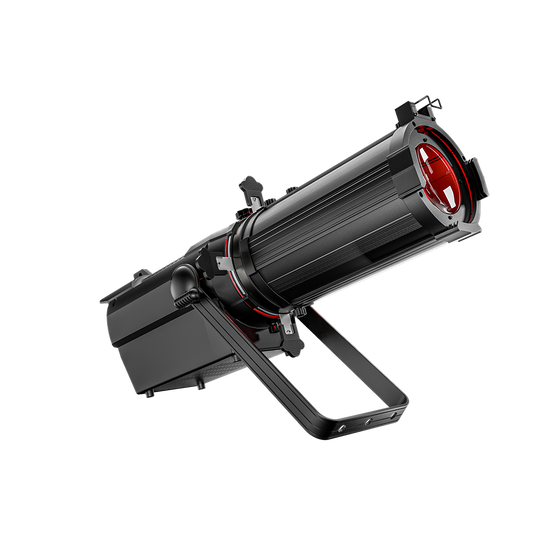
Start with a warm/cool white profile for the lectern or a defined speaking area. Check coverage and glare at the planned light position.
- Model
- Mini LEKO 100W
- Light source
- Warm / cool white LED
- DMX modes
- 2 / 6 channels

High PWM | DIY Gobo | Full Color
LED Fixed Focus LEKO 250W/350W Profile Spotlight..High PWM | DIY Gobo | Full Color
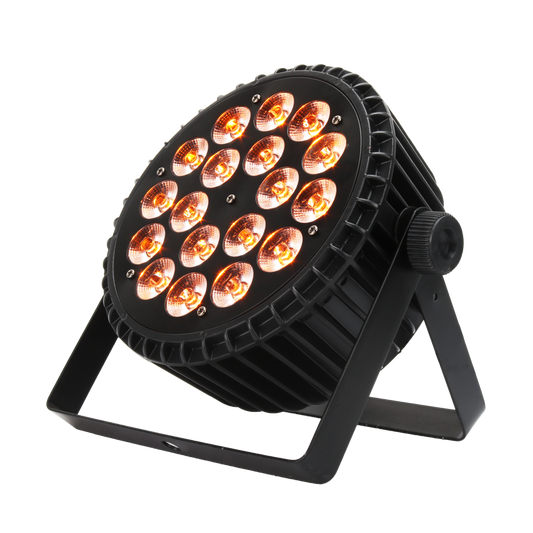
40° | 6in1 LEDs | Durable Housing
SHEHDS 18x18W Aluminum Alloy LED Flat Par DMX512..40° | 6in1 LEDs | Durable Housing
Beam | Uniform&Colorful | Suspenslon installation
SHEHDS LED Beam 8x12W RGBW Moving Head Light For..Beam | Uniform&Colorful | Suspenslon installation
Zoom Range 19°-46° | DIY Gobo | Full Color
LED Optical Zoom LEKO 250W/350W LED RGBWAUV/RGB..Zoom Range 19°-46° | DIY Gobo | Full Color
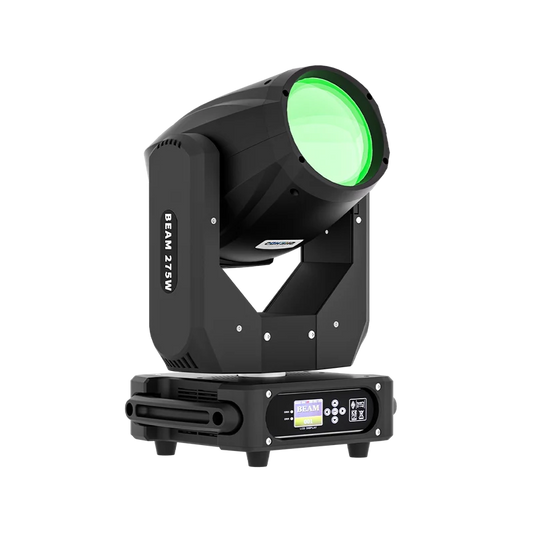
Dual Prism | 2.8°Beam Angle | 14 Gobo Patterns
SHEHDS Beam 275W 10R Double Prisms Moving Head D..Dual Prism | 2.8°Beam Angle | 14 Gobo Patterns
Linear Dimming | Color Mixing | 15-45°Zoom Angel
SHEHDS Zoom & Wash 36x18W Moving Head Light ..Linear Dimming | Color Mixing | 15-45°Zoom Angel
Compact&Lightweight | 1.2°-30°Beam Angle | Frost
SHEHDS 230W 7R Beam Moving Light with High Brigh..Compact&Lightweight | 1.2°-30°Beam Angle | Frost
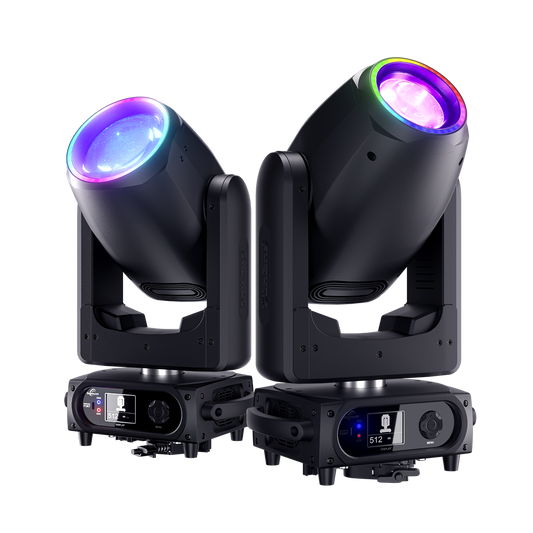
Silent | 3-in-1 Beam | Fast Movement
GalaxyJet LED 200W / 300W Moving Head Light Beam..Silent | 3-in-1 Beam | Fast Movement
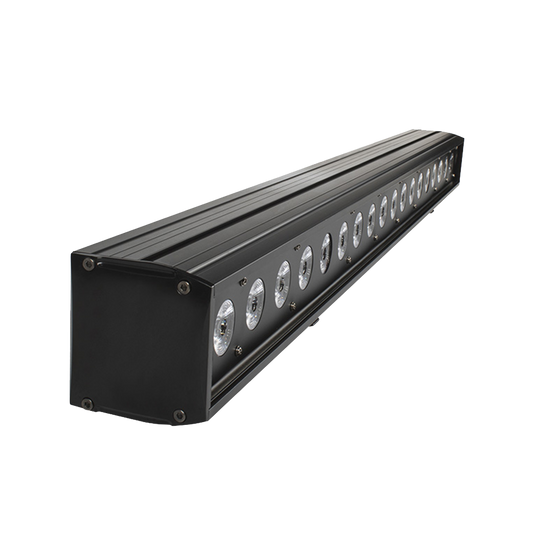
Color Mixing | Lightweight | Uniform&Colorful
SHEHDS LED Wall Wash Light Bar 6in1 RGBWA+UV Sta..Color Mixing | Lightweight | Uniform&Colorful

4-45°Beam Angle | Linear CTO | 0-25Hz Strobe
JMS WEBB LED Bee Eye 19x20W & 19x40W RGBW W..4-45°Beam Angle | Linear CTO | 0-25Hz Strobe
7500±500K | 7790 lux @ 10m | Lightweight
GalaxyJet LED Beam 180W Moving Head Light7500±500K | 7790 lux @ 10m | Lightweight
RDM | Lightweight | Frost
SHEHDS 160W 3in1 LED Beam & Spot & Zoom ..RDM | Lightweight | Frost

Silent | High Brightness | Pixel Mapping
SHEHDS 7x40W Bee Eye Moving Head Light with Zoom..Silent | High Brightness | Pixel Mapping
CTO Filter | 0-25HZ Strobe | Overheat Protection
SHEHDS 120W RGBW LED Wash Moving Head Light – CT..CTO Filter | 0-25HZ Strobe | Overheat Protection
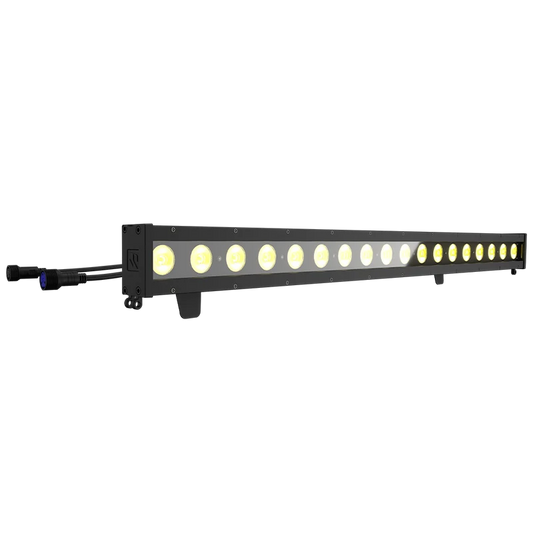
IP65 | 3264Lux/2m | 25°Beam Angle
SHEHDS Waterproof LED 18x10W RGBWAUV / RGBLAC Wa..IP65 | 3264Lux/2m | 25°Beam Angle
7500K | Dual Rotatable Prisms | Frost
SHEHDS 380W 3in1 Beam & GOBO & Wash Movi..7500K | Dual Rotatable Prisms | Frost

Zoom Optics | CCT White | Beam Shaping
SHEHDS Mini LEKO LED 100W Optical Zoom Warm &..Zoom Optics | CCT White | Beam Shaping

Waterproof | Fog-Free | High Brightness
JMS WEBB Waterproof 7x40W LED Moving Head Light ..Waterproof | Fog-Free | High Brightness
2.1°-3.4° Beam Angle | Rainbow Sweep | Sharp Beam
SHEHDS APP Control 230W 7R Beam & Spot Movin..2.1°-3.4° Beam Angle | Rainbow Sweep | Sharp Beam

1.5°-3.0° Beam Angle | CMY | Frost
SHEHDS APP Control 320W 14R CMY Gobo / Beam Movi..1.5°-3.0° Beam Angle | CMY | Frost
Church stage lighting starts with visible speakers and worship leaders. Compare white light for people, color for backgrounds and movement for planned cues.
Start with a warm/cool white profile for the lectern or a defined speaking area. Check coverage and glare at the planned light position.

Use a fixed LED PAR for stage-wall or backdrop color. Keep it separate from the white light used for speakers.

Add a moving wash only for a planned performance cue. Check positions, programming and noise during quieter service moments.
Check your stage dimensions, camera settings, quiet-service conditions, control modes and installation needs. Start with the area that needs improvement, then rehearse your normal service scenes.
Record stage width and depth, speaking positions, possible mounting points and throw distances. Check faces, shadows, glare and spill from congregation seats and cameras. Keep existing fixtures that already do their job.
Use your actual frame rate, shutter, white balance and planned light levels. Check faces for banding, exposure and color changes. Run slow fades into and out of blackout, watching for visible steps or sudden cutoffs.
Let fixtures warm up, then listen from nearby seats and through the microphones. Include fan and movement noise during speaking and prayer; check the exact model and operating mode.
Confirm the fixture profile and DMX channel mode with your controller. Save named service cues, document the patch and keep a short operating guide. Rehearse fades and a return to the speaking scene with your regular operators.
Check the exact version, voltage, power draw, plug, dimensions, weight, mounting hardware and included accessories with your installer. Review shipping and warranty terms for your destination and order.
Plan named scenes that your regular operators can recall. These are planning examples, not built-in presets supplied with every fixture.
| Service moment | Lighting job | Operator check |
|---|---|---|
| Speaking & reading | Keep the lectern and normal speaking positions visible with a restrained background. | Recall the named scene and check glare from seats and cameras. |
| Worship & music | Keep worship leaders and musicians visible; add background color or movement only for planned cues. | Check framing and exposure through the cameras before saving the scene. |
| Prayer & quiet moments | Maintain the visibility needed for the service and avoid unnecessary movement. | Listen from seating and microphone positions after fixtures warm up. |
| Transitions | Move between the scenes you have rehearsed with the team. | Test fades at the intended levels and confirm a return to the speaking scene. |
Document the patch, fixture profiles, DMX modes and saved cue file. Keep a short operating guide and rehearse a recovery to the speaking scene.
Watch for visual inspiration, then use the fixture comparison and service checks to plan for your own room.
Featured on the SHEHDS Church Lighting Solutions page.
Watch on YouTubeShare your stage dimensions, mounting positions, room photos, current fixtures, camera and controller models, and budget. Tell us whether the priority is speaking, music, livestreaming or the backdrop.